Description
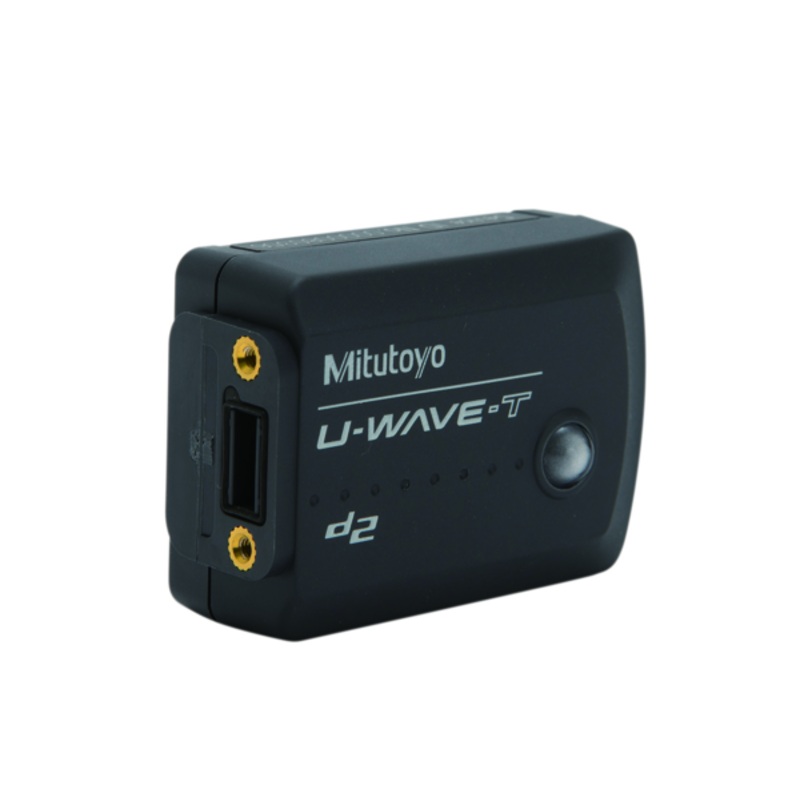
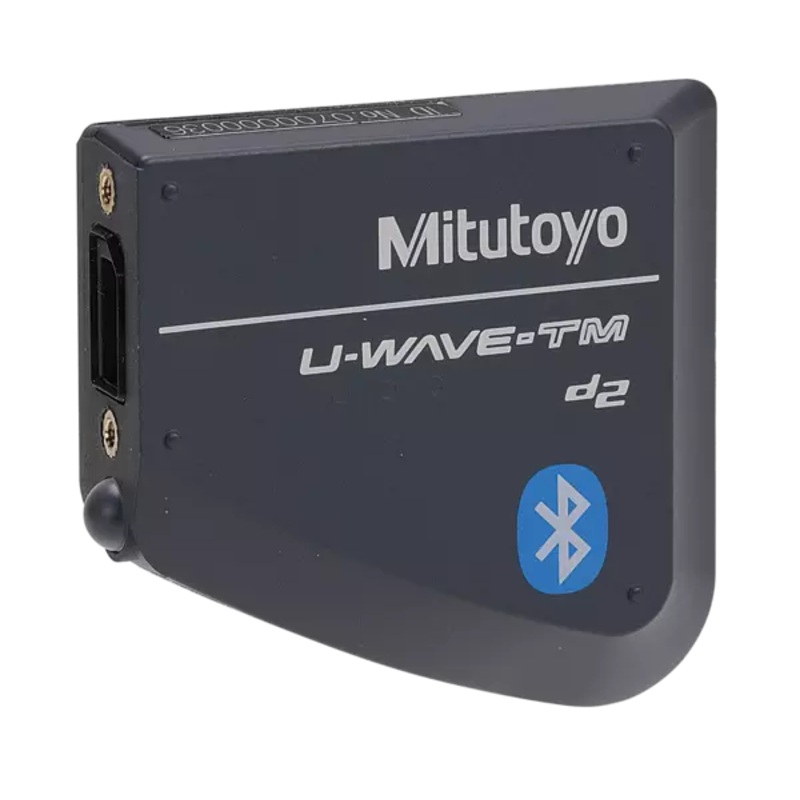
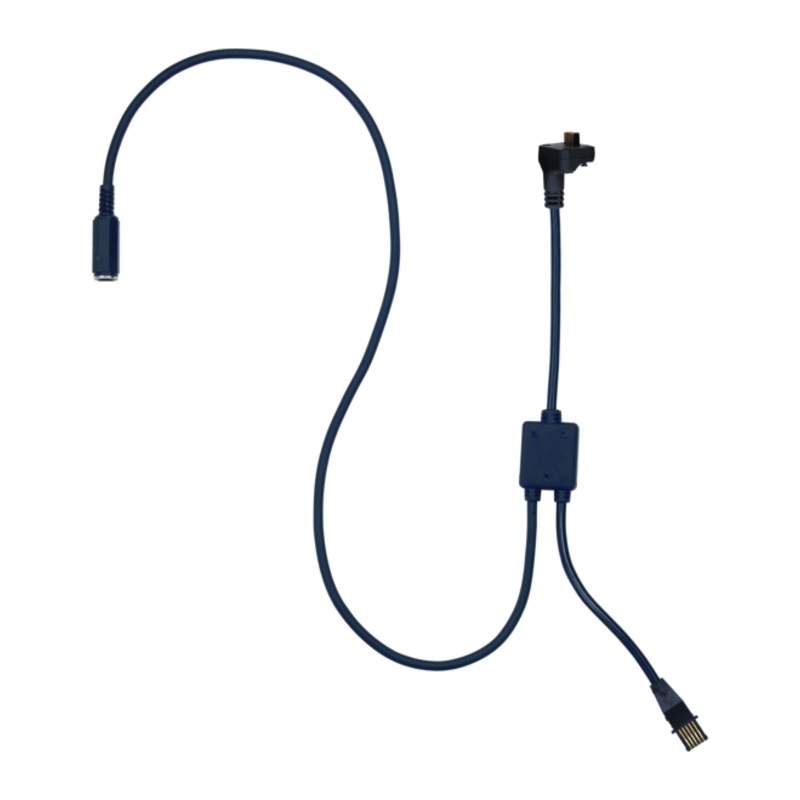
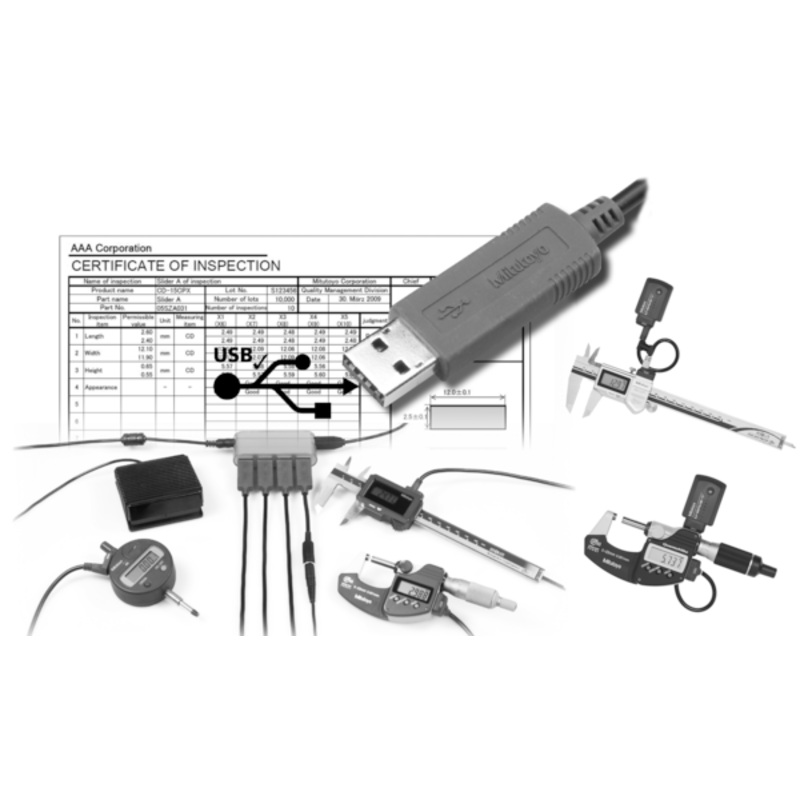
USB-ITPAK Version 3 is software for collecting data from measuring instruments with Digimatic, Digimatic 2 and Digimatic S1 output to Excel by using USB Input Tool Interface, USB Input Tool Direct cables, U-WAVE wireless system and DP-1VA pinter/logger
- Supports bidirectional serial communication provided by e.g. ID-F indicator, ID-C Indicator and Height Gauge LH-600F/FG
- Various settings are available like zero set, preset, unit, counting direction, tolerance setting, calibration date setting a.s.o.
- Measurement status information can be read like serial number, code number, calibration date, user control number a.s.o.
- USB-ITPAK Version 3 simple version is available online free of charge
- Compatible OS Microsoft Windows 10 (64 bit) and 11
- For Microsoft Excel version 2010, 2013, 2016 and Microsoft 365
- Create Microsoft Excel input procedures (workbook, worksheet, cell range a.s.o.)
- Bidirectional communication (Digimatic S1) compatible
- Information reading of measuring tools (serial number, code number etc.)
- Settings and operations of measuring tools (preset, power ON/OFF, etc.)
- Enter measured data in the quick entry mode
- Enter measured data in a specified sequence (sequencial mode)
- Enter measured data all at once (batch mode)
- Enter measured data individually (individual mode)
- Automatically enter measurement data periodically
- Enter a string with your foot
- Enter measurement data with foot switch, keyboard/mouse, data switch
- Enter data into an arbitrary application
- Enter log data from DP-1VA LOGGER